

Troubleshoot Drone Issues for Perfect Shots.
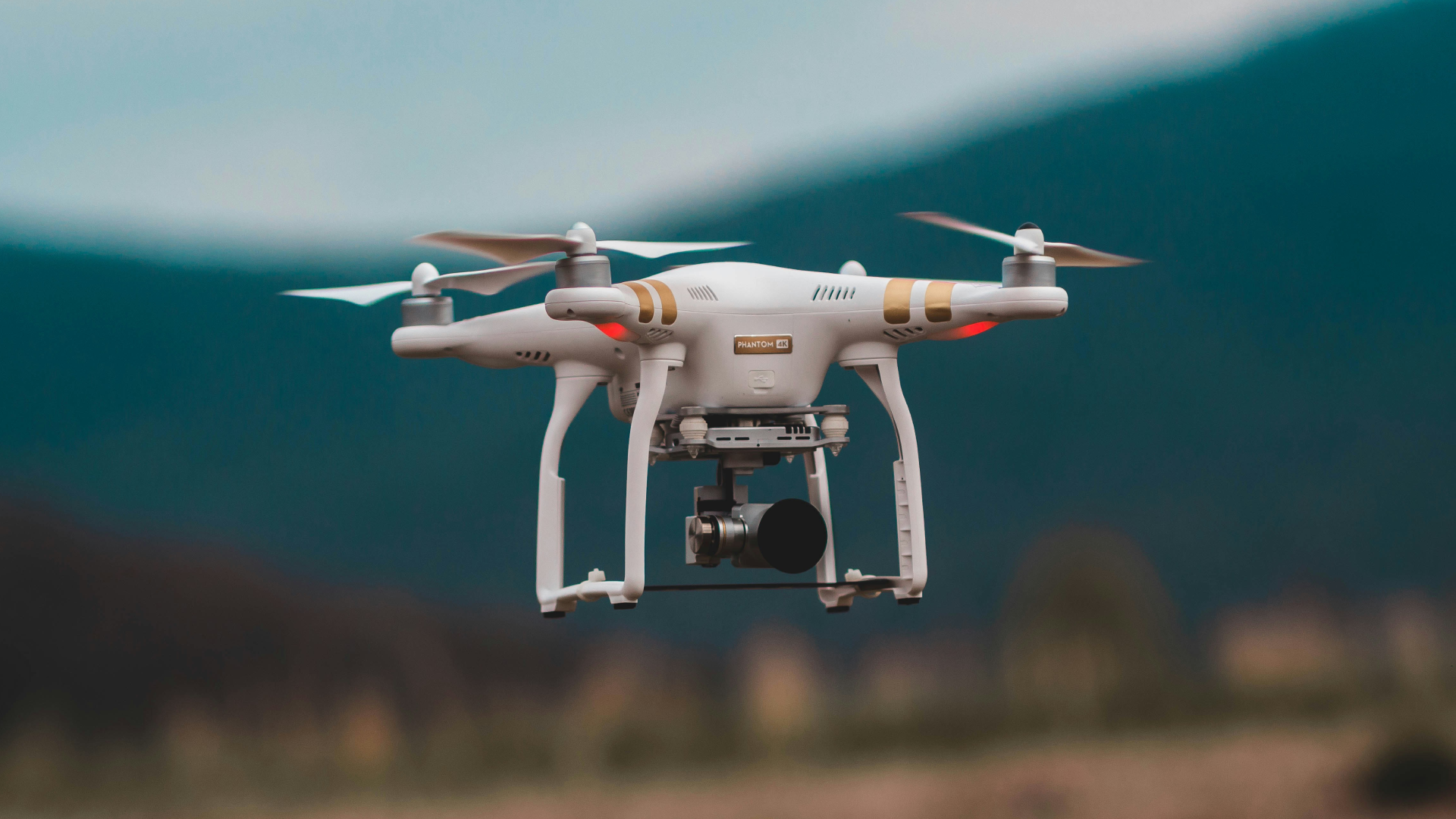
When you're setting out to capture captivating aerial shots of a property, having a reliable connection with your drone is more important than you might think. Picture this: you're in the midst of a perfect shoot, and suddenly, the drone's connection drops. That moment of panic can be avoided with a bit of preparation and understanding. Trouble with a drone's connection can interrupt the flow and ruin what could have been amazing footage.
Understanding the common hiccups that can interrupt the connection is key. These issues could range from interference in signal reception and outdated software to good old battery trouble. For those of us on the Gold Coast, environmental factors like coastal winds or unexpected weather shifts can throw a wrench into the works too. Zeroing in on these problems early can save time and effort, ensuring you capture every stunning detail the way you planned.
Understanding Common Connection Issues
Facing connection problems can be frustrating, especially during an important shoot. Knowing what's causing these issues is the first step towards finding a solution.
- Signal Interference: Tall buildings, power lines, or even dense foliage can interfere with the drone's signal. These obstacles can disrupt the communication between your controller and the drone itself. It's wise to scout your location in advance and pick a spot away from potential sources of interference.
- Battery Problems: Low or drained batteries can lead to sudden loss of connection. Always double-check that your drone’s battery and your controller are fully charged before starting. It's also helpful to keep spare batteries handy for longer sessions.
- Software Glitches: Sometimes software can act up, causing a less stable connection. Regularly updating your drone’s software ensures you have the latest fixes and improvements, minimizing the risk of such issues.
Environmental influences on the Gold Coast, such as strong winds or unexpected weather changes, can also contribute to connection challenges. Keeping a close eye on the weather forecast and being prepared to adapt will help you stay in control. By understanding these common issues, you'll be better equipped to deal with them promptly, allowing you to concentrate on capturing the perfect shots.
Pre-Flight Checks to Prevent Issues
Before your drone takes to the skies, a few careful checks can make all the difference. Pre-flight preparation not only lessens the chances of unexpected disconnections but also ensures that your equipment is ready for a smooth flight. Here’s a handy checklist to go through before heading out.
1. Firmware and Software Updates: Make sure your drone and its controller have the latest updates. Regular updates often include bug fixes and enhancements that improve performance.
2. Battery Health: Confirm that both your drone and controller batteries are fully charged. Keeping spare batteries can also be helpful, especially on longer shoots.
3. Signal Check: Before launching, inspect the area for any tall structures or power lines that might cause signal interference. If possible, choose an open area to fly.
4. Weather Conditions: Check the forecast for sudden weather changes. Being aware of wind speed and potential rain can help prevent risky situations.
5. Equipment Inspection: Look over the drone for any physical damage. Pay special attention to the propellers and any connections.
Following this checklist makes for a seamless flying experience. You’ll have peace of mind knowing your drone is in top condition, ready to capture stunning footage without interruption.
During-Flight Troubleshooting Tips
Even with perfect preparation, things can go amiss mid-flight. It’s handy to know some quick-fix strategies to handle these situations and keep everything on track.
- Re-establishing Connection: If you lose connection, try moving to higher ground to regain a clear signal or switching controllers if available.
- Safe Landing: Make use of return-to-home features if your drone loses connection. Manually guiding it to a safe landing spot is also an option.
- Utilising Drone Safety Features: Many drones have built-in safety settings that help automatically return to the takeoff point when a signal is lost.
These quick actions help you stay calm and avoid panic, ensuring both your footage and equipment remain safe.
Post-Flight Best Practices
Once your drone is back on the ground, a few post-flight practices can help avoid future hiccups and maintain your drone’s reliability.
1. Issue Logging: Make notes of any connectivity issues you faced. This helps in understanding patterns and planning for future flights.
2. Battery Management: Recharge your batteries promptly after a session and check them for any signs of wear.
3. Equipment Maintenance: Clean your drone, paying attention to the propellers and camera lens. Regular maintenance keeps it in great shape.
4. Flight Data Review: Going over your flight data can provide insights into any disconnection issues and help you come up with better strategies for the future.
Practical post-flight routines keep your drone ready for action and decrease the chances of problems in upcoming shoots.
Enhancing Your Real Estate Photography
Taking care of these steps not only keeps connection issues at bay but also elevates the quality of your real estate photography. Whether it's avoiding signal interference or keeping up with routine checks, staying alert and prepared always pays off. With steady connectivity, you're all set to impress with spectacular aerial shots that highlight all the best features of a property.
Ensure that your sessions are smooth and hassle-free on the Gold Coast by staying prepared and vigilant. Focl Media offers reliable solutions to help you capture stunning aerial views and breathtaking property details. Discover how expert drone real estate photography can transform your projects.